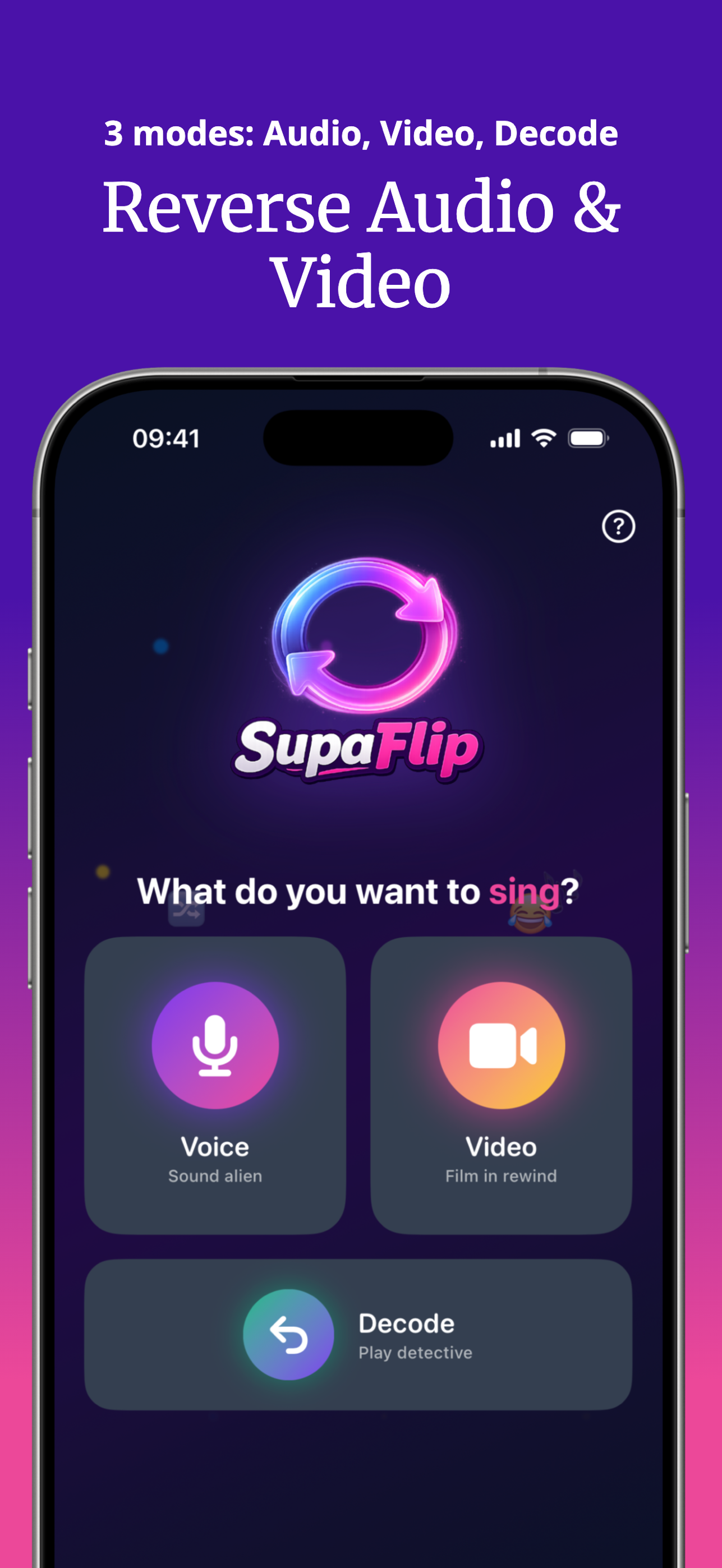
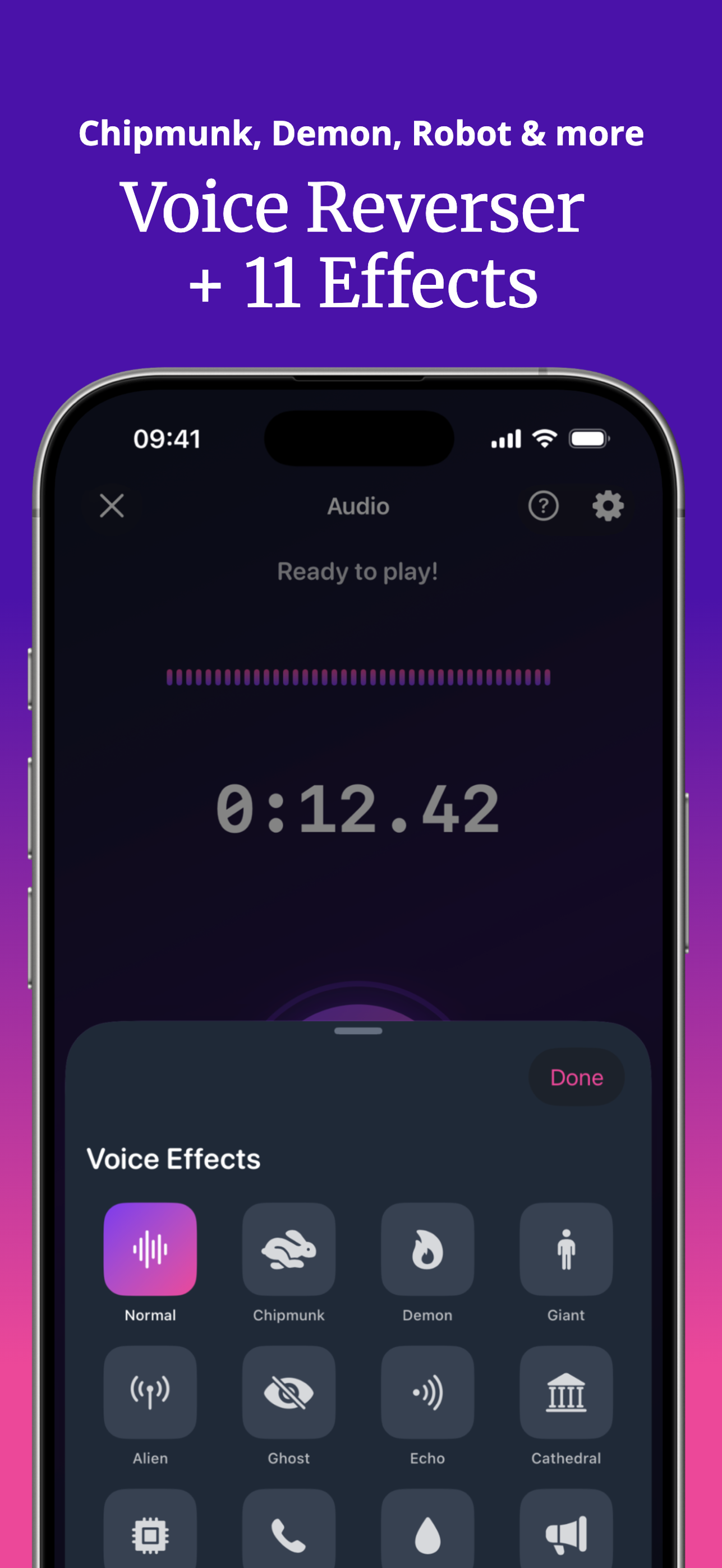
Record your voice or video, flip it backwards in one tap, and share the laughs. Reverse singing, hidden messages, 11 voice effects, and a Decode Mode to un-reverse any clip — 100% free, no subscription.
Most audio apps make reversing a chore — and most video editors strip the sound. SupaFlip flips both, in one tap, for free.
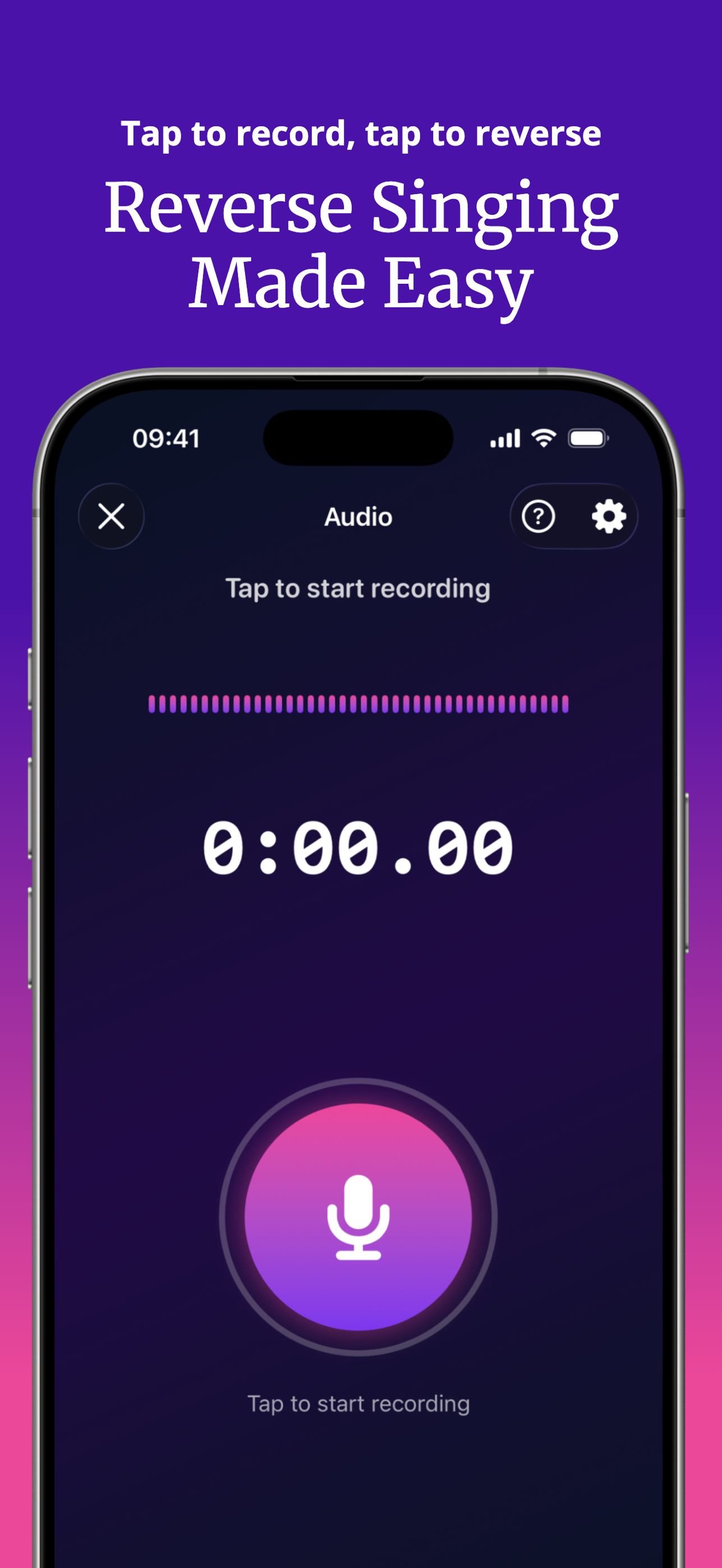
Tap to record, tap again to play it backwards. Speak, sing, or hide secret messages for friends to decode. Records up to 5 minutes with high-quality export.
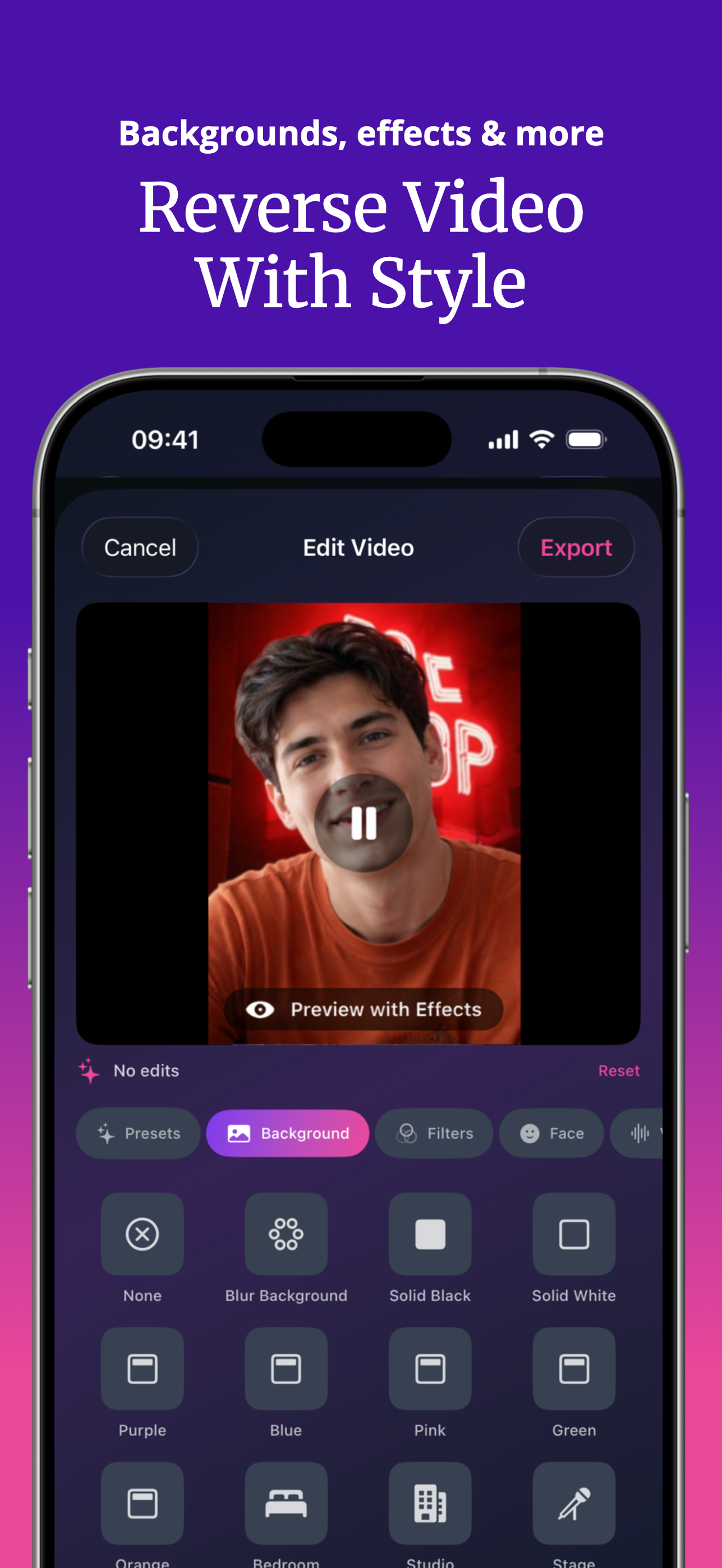
Capture video and reverse the full clip including the audio track. Add custom backgrounds, face filters like Big Mouth and Alien, stickers, text — then export in HD.
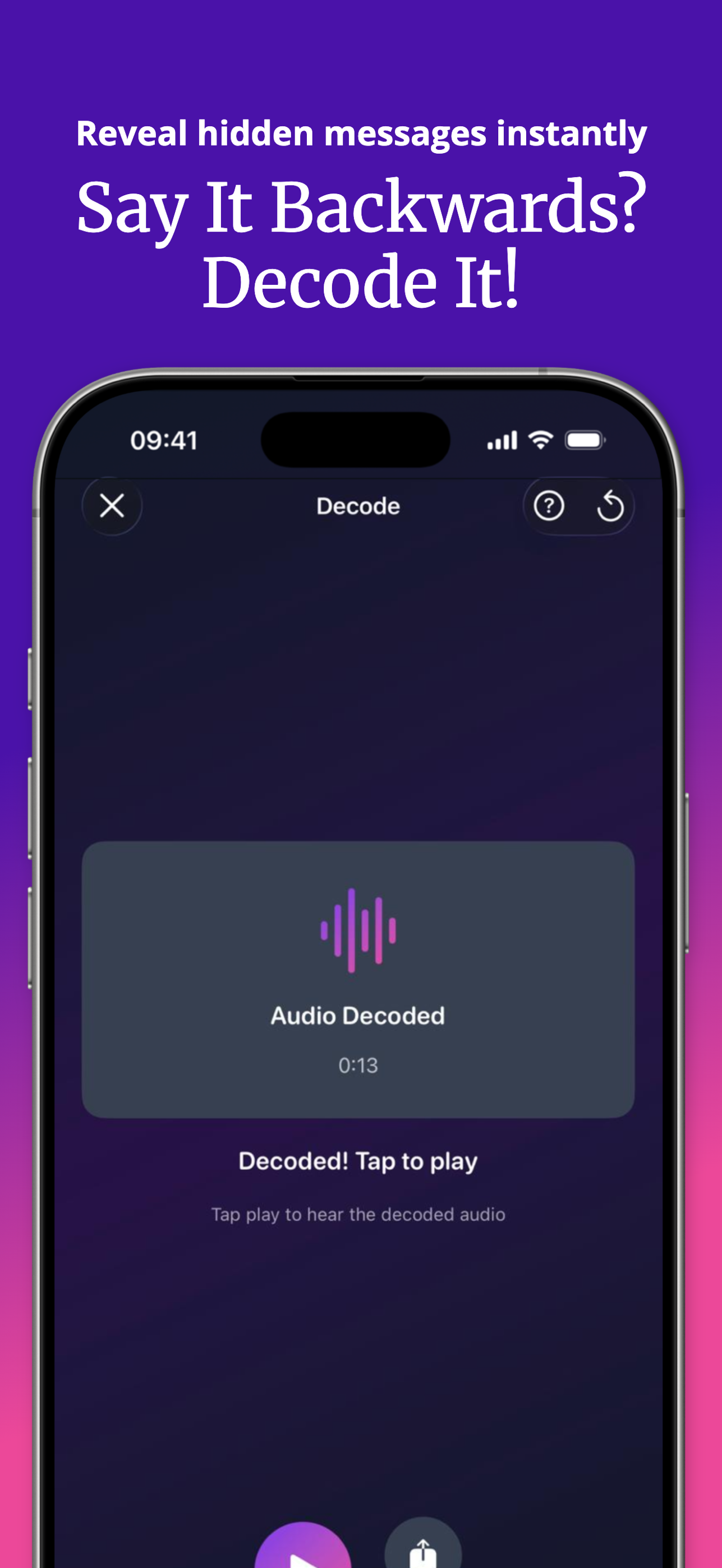
Got a backwards clip from a friend? Import reversed audio or video from Photos or Files and decode it instantly to reveal the hidden message.
Chipmunk, Demon, Giant, Alien, Ghost, Echo, Cathedral, Robot, Telephone, Underwater and Megaphone — layer any effect on your reversed voice or video audio.
Slow reversed audio down to learn it syllable by syllable — perfect for practicing the reverse singing challenge — or speed it up for extra chaos.
Every effect, filter, background, preset, playback speed and HD export is unlocked for everyone. No paywall, no watermark surprises, no subscription required.
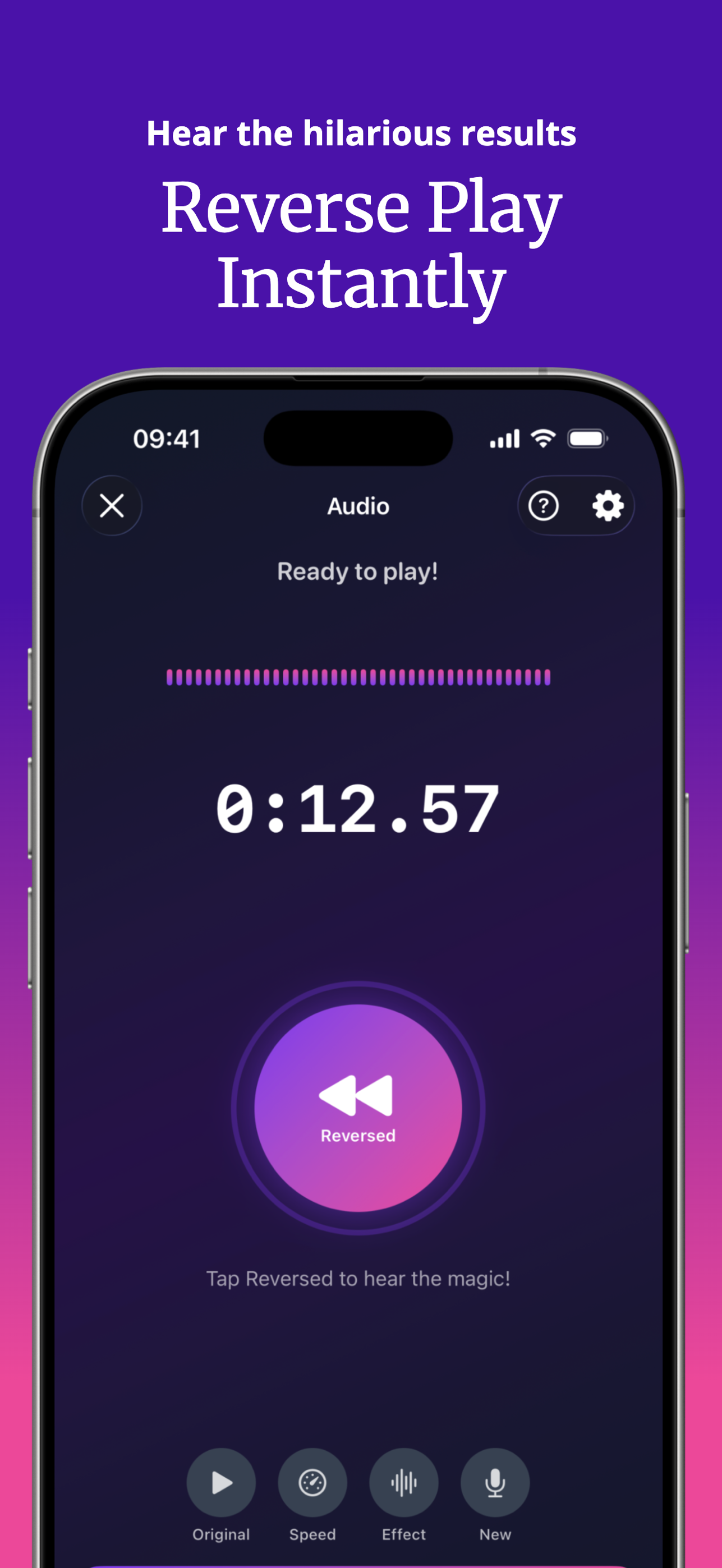
From recording to reversed playback to decoding — here's what the app looks like.


No editing skills, no timeline, no learning curve. If you can tap, you can flip.
Open SupaFlip, choose Audio or Video mode, and tap the big button to record — up to 5 minutes of audio or 3 minutes of video.
Tap again and your clip plays backwards instantly. Add a voice effect, change the speed from 0.25x to 2x, or style videos with filters and backgrounds.
Share the reversed clip anywhere. Friends with SupaFlip use Decode Mode to un-reverse it and reveal what you really said.
Step-by-step guides for the most popular reverse audio questions — from the viral singing challenge to decoding hidden messages.
The fastest way to record your voice and play it backwards on iPhone — no computer, no editing software.
Read the guide → TrendHow the viral backwards-singing game works, and how to record, flip, and let friends decode your attempt.
Read the guide → SkillLearn backwards speech step by step using reversed playback, slow speeds, and instant feedback.
Read the guide → How-ToMost editors mute the audio when reversing a clip. Here's how to keep it — plus filters and HD export.
Read the guide → DecodeReceived a backwards clip? Un-reverse any audio or video in seconds and hear what it really says.
Read the guide → EffectsCombine 11 voice effects with backwards playback for the weirdest (funniest) audio your friends have heard.
Read the guide → UtilityApple's Voice Memos can't play recordings backwards. Import your memo into SupaFlip and flip it in one tap.
Read the guide → MusicExplore hidden messages in music: import any track, reverse it, and slow it down to hear every detail.
Read the guide →Quick answers to the most-searched questions about reversing audio and video on iPhone.
Join the Reverse Singing Challenge, prank your friends with hidden messages, and flip your first clip in the next 60 seconds. Free forever — everything unlocked.
Download on theApp Store