How to Play a Song Backwards (Backmasking Explained)
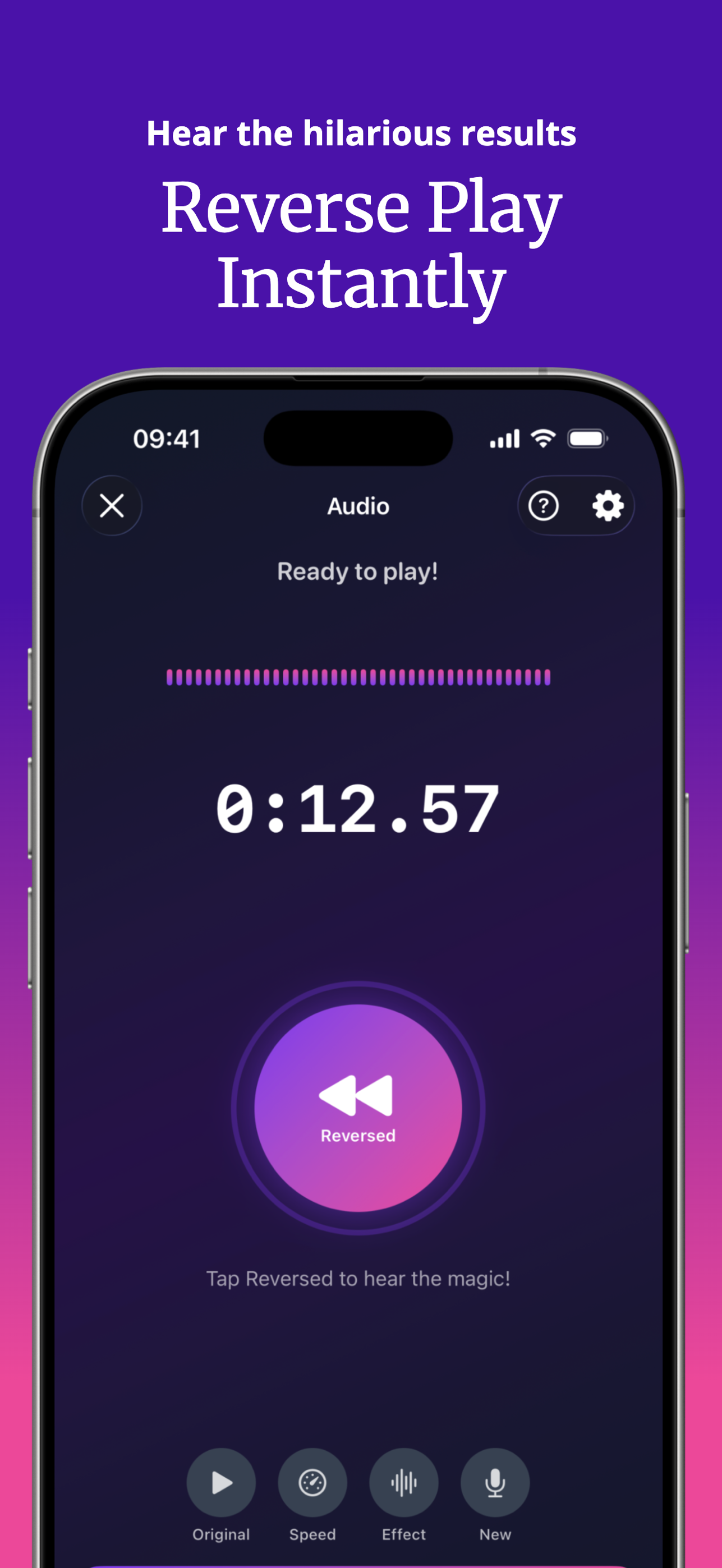
To play a song backwards on iPhone, import the audio file into SupaFlip and it plays reversed instantly — with 0.25x slow-down to inspect every detail. It's the easiest way to explore backmasking, the technique of hiding messages that only appear when a track is reversed.
What is backmasking?
Backmasking is deliberately recording a sound or message backwards onto a track that's meant to be played forward. The Beatles popularized it in the 1960s ("Rain", "Revolution 9"), Pink Floyd hid a literal congratulations message in The Wall, and artists from Queen to Missy Elliott have played with reversed vocals. Some "hidden messages" are intentional; many are pareidolia — your brain finding words in noise. The only way to know: flip the track and listen.
Play any audio backwards in 3 steps
- Get the audio file. You need a file you can share or store (from Files, GarageBand bounces, downloads you own, or a recording). Apple Music streaming tracks are DRM-protected and can't be imported.
- Import into SupaFlip. Open Decode Mode and pick the file from Files or Photos, or share it into SupaFlip from another app.
- Listen reversed. The track plays backwards instantly. Drop to 0.25x to inspect a suspicious phrase, or 2x to skim a long section.
Make your own backmasked audio
- Record the secret message in Audio Mode.
- Save the reversed version.
- Drop it into your track, podcast intro, or party playlist. Anyone curious enough can decode it — that's the fun.
Famous reversed-audio moments to try
- Pink Floyd — Empty Spaces: an actual hidden congratulations message.
- The Beatles — Rain: reversed vocals in the outro, fully intentional.
- Any song you love: reversed choruses are a goldmine of accidental weirdness for the Reverse Singing Challenge.
Try it yourself — SupaFlip is 100% free with everything unlocked.
Download on theApp Store