How to Decode Reversed Audio & Reveal Hidden Messages
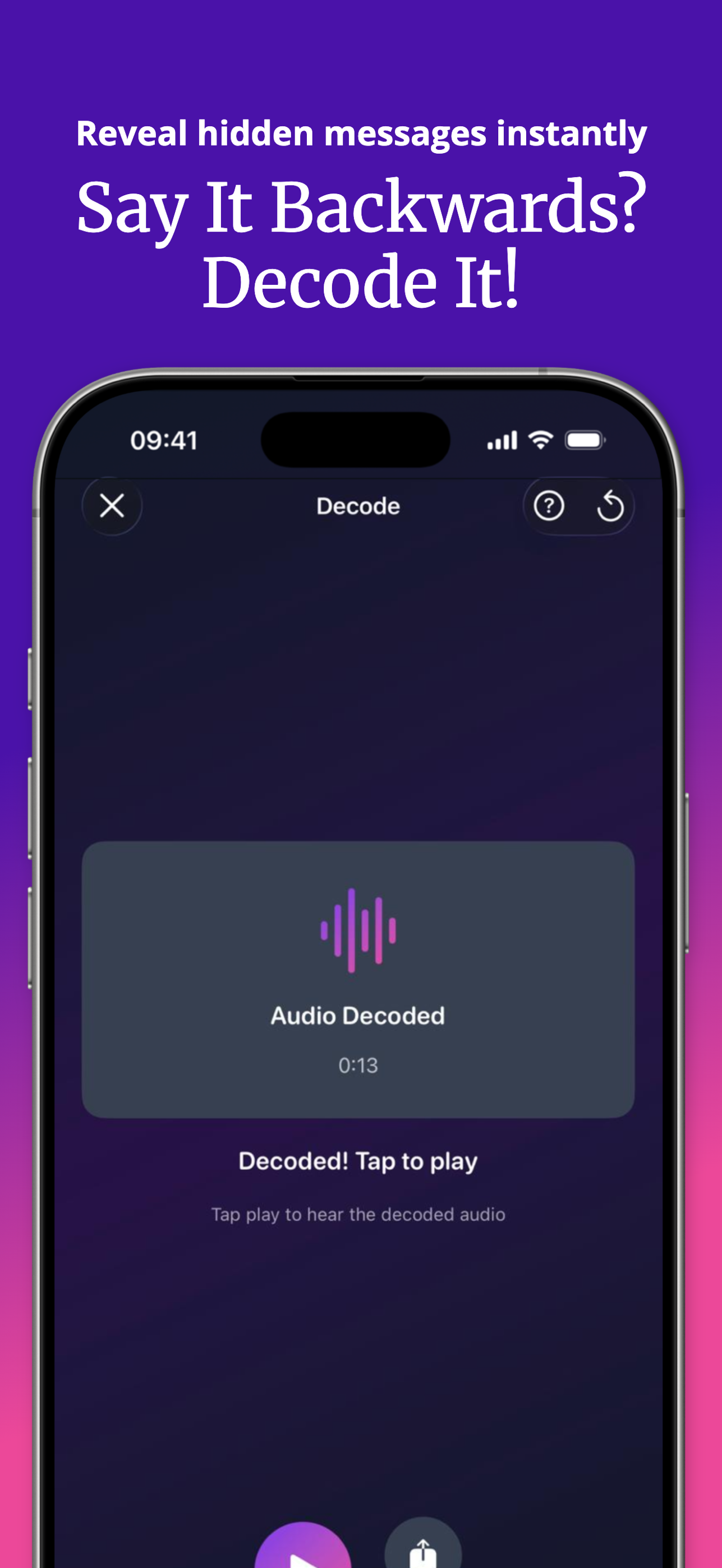
To decode reversed audio, import the clip into SupaFlip's Decode Mode — it plays the file backwards, which un-reverses it, revealing the hidden message instantly. Works with audio and video, from Photos, Files, or shared directly from other apps.
How decoding works
Reversal is its own inverse: playing a reversed recording backwards restores the original. So "decoding" a backwards message doesn't need AI or transcription — it needs a tool that reverses any file you throw at it, instantly. That's exactly what Decode Mode does.
Decode a backwards clip in 3 steps
- Get the clip into SupaFlip. Open Decode Mode and import from Photos or Files — or use the iOS share sheet to send the file straight from WhatsApp, Messages, or any app into SupaFlip.
- Tap to decode. The audio (or video) is un-reversed in a second.
- Play and reply. Hear the hidden message, then record your own backwards answer in Audio Mode to keep the game going.
What can you decode?
- Friends' secret messages — the classic use. Someone sends you gibberish; you reveal the real sentence.
- Reverse Singing Challenge entries — verify whether an attempt actually matches the song. (How the challenge works →)
- Reversed video clips — Decode Mode handles video files too, audio and picture together.
- Backmasked music snippets — curious what a reversed section of a song hides? Import and flip it.
Sending your own coded messages
Record in Audio Mode, share the reversed version, and only friends who decode it learn what you said. Add a voice effect on top to make it harder — Demon + reversed is practically encryption. (Not actually encryption. But very funny.)
Try it yourself — SupaFlip is 100% free with everything unlocked.
Download on theApp Store